
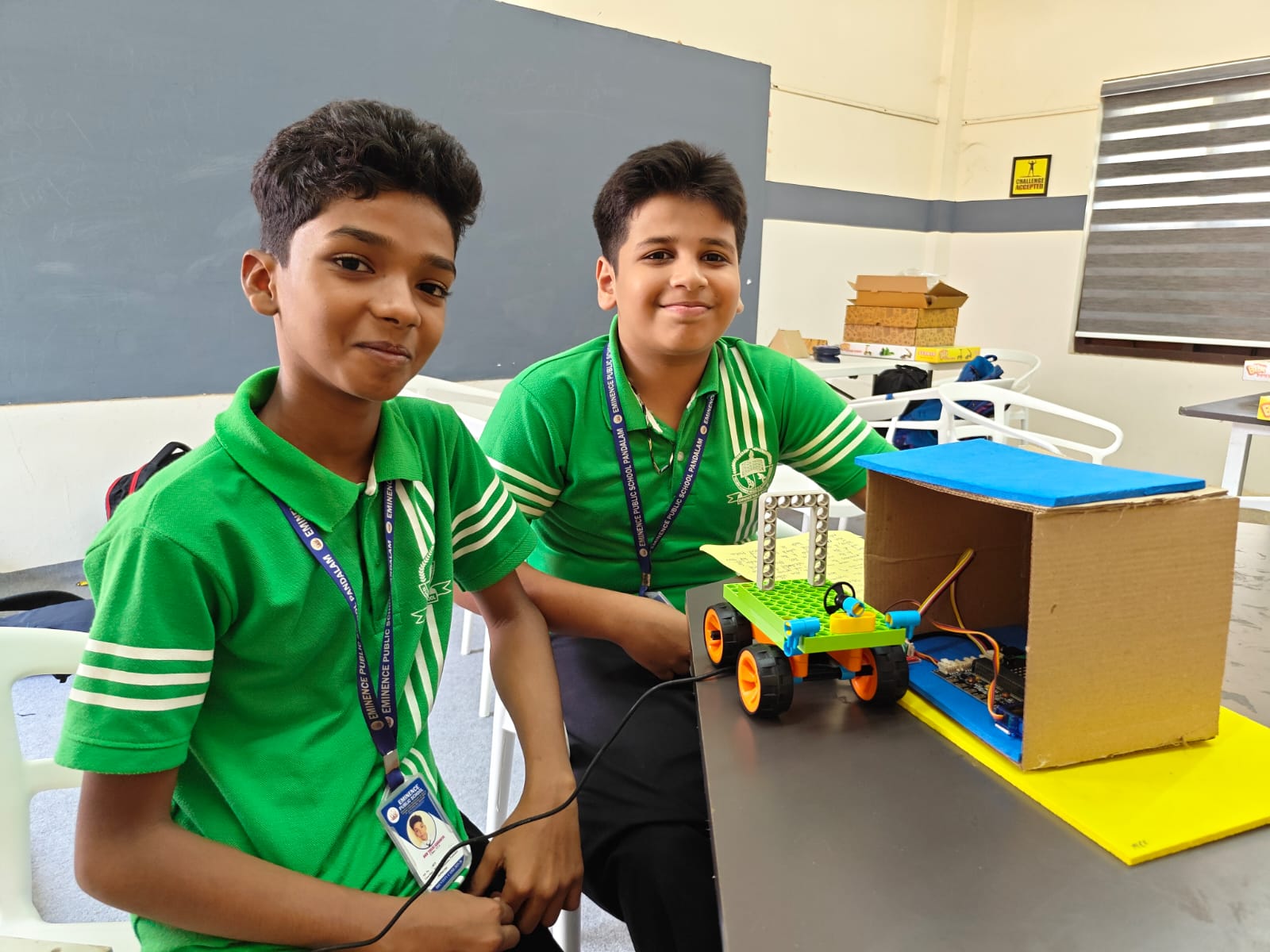
Robotics looks complicated from the outside. You see videos of Boston Dynamics robots doing backflips, or drone swarms lighting up the sky, and it's easy to think — that's not for me. But here's the truth: every one of those engineers started exactly where you are now, with no idea how a motor works.
This guide is for students in Grade 6 and above who have zero background in electronics or programming. By the end, you'll know exactly what to learn, what to buy, and where to start.
What Is Robotics, Really?
A robot is simply a machine that can sense its environment, process that information, and act on it. That's it. A washing machine that detects water level and adjusts the cycle is technically a robot. So is your phone's autocorrect.
School-level robotics focuses on building machines that move, respond to sensors, and are controlled by code you write yourself. The three pillars are:
- Mechanics — chassis, wheels, gears, servo arms
- Electronics — microcontrollers, sensors, motors, power
- Programming — the brain that makes decisions
Start With Arduino, Not Raspberry Pi
This is the most common mistake beginners make. Raspberry Pi is a full Linux computer — it's more powerful but far more complex to set up. Arduino is a simple microcontroller: you write code, upload it, it runs. That's all. For your first six months, Arduino is the right tool.
Get an Arduino Uno starter kit — available online for ₹600–900. It comes with the board, breadboard, LEDs, resistors, sensors, and jumper wires. Everything you need to build your first 10 projects.
The Learning Path: Month by Month
Month 1: Learn basic C++ syntax through Arduino. Make LEDs blink, read button inputs, control a buzzer. Focus on understanding how code becomes physical action.
Month 2: Sensors. Connect a temperature sensor, an ultrasonic distance sensor, and a light sensor. Learn to read data and make decisions based on it.
Month 3: Motors. Learn about DC motors, servo motors, and stepper motors. Build a small robot car chassis that moves forward and backward.
Month 4: Build your first autonomous project — a robot that avoids obstacles using the ultrasonic sensor you learned in Month 2.
Month 5–6: Advanced topics — Bluetooth control, LCD displays, wireless sensors, and preparing for your first competition.
Free Resources to Get Started
- Arduino.cc — Official tutorials, completely free, covers everything from basics to advanced
- Tinkercad Circuits — Browser-based Arduino simulator, no hardware needed to start
- YouTube: Paul McWhorter Arduino series — Best beginner video series, very patient and clear
Kerala-Specific: Competitions to Target
Kerala has a strong robotics ecosystem. As you improve, target these competitions:
- Kerala Science Congress (student section) — district, state, national levels
- KITE Robotics — state government initiative, widely accessible
- WRO (World Robot Olympiad) — India qualifiers — held across multiple cities including Kochi
- Smart India Hackathon — for college students, national level
Should You Join a STEM Lab?
You can learn a lot by yourself — YouTube and Google have everything. But a lab gives you three things you can't get alone: physical components to experiment with (no shipping wait, no "out of stock"), mentors who've already made every mistake so you don't have to, and peers who make the process more fun and competitive.
At KnowledgePitch MakersPitch Lab, we have all the components from this guide available in-lab. Your first session is completely free — come build something and see if this is for you.
Your First Week Checklist
- ✅ Download the Arduino IDE (free at arduino.cc)
- ✅ Order or borrow an Arduino Uno starter kit
- ✅ Complete the "Blink" tutorial on arduino.cc
- ✅ Watch the first 3 videos of Paul McWhorter's Arduino series
- ✅ Build the temperature monitor (Project 2 in our Arduino guide)